
My design · Layout · Media editing · AI Style · AI Image · AI Video
A complete module, with sound and interaction. You no longer have to choose, and it shows.
Design, images and audio used to come later.
Outsourced, rushed or postponed.
With Thaleia, they are part of creation from the start.






The real challenge
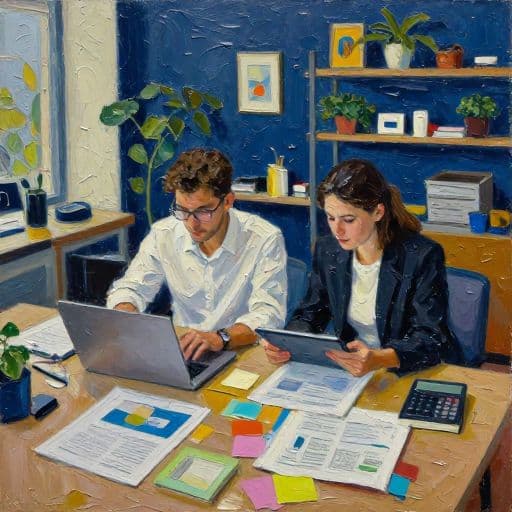
In most organisations, producing media for a module follows a chaotic path.
A learning designer creates the content, a graphic designer reworks the layout, an agency aligns the brand guidelines and a supplier provides visuals or voice-over. The result is inconsistent visuals and audio across modules, teams and sometimes even screens. All to produce a PowerPoint from the 2000s with media ordered from someone else.
Demonstration
How Thaleia creates media
A built-in creation studio is more than a separate design tool or media library. It is a system where every visual choice and generated asset can be used and maintained without extra work.
Your identity everywhere, effortlessly.
Colours, fonts and logo: configure or generate your style from your brand identity. One change updates the entire module automatically. Creating or changing a brand no longer means recreating everything.
A variety of resources without leaving Thaleia.
Pexels, Unsplash, Pixabay, Openverse, Sketchfab and more. Images, videos, audio, 3D and 360°. Your own imports, built-in libraries or direct generation in Thaleia. Your resources, in the right place at the right time.
- View and framing
- Inpainting
- Background
- Remove background
Edit right here, without opening Canva.
Crop, aspect ratio, flip, rotate, remove backgrounds and cut out subjects: edit every image directly in Thaleia, without switching tools. For more complex changes, inpainting adds generated elements to an image or 360° scene. The media stays in the module. So does editing.
One chosen style, across all your media.
Choose a graphic style from the Thaleia library and apply it to the images, video, 3D and 360° you generate. Choose the style when creating the module with AI Create and apply it from the first screen. Consistent visuals, without later reworking.

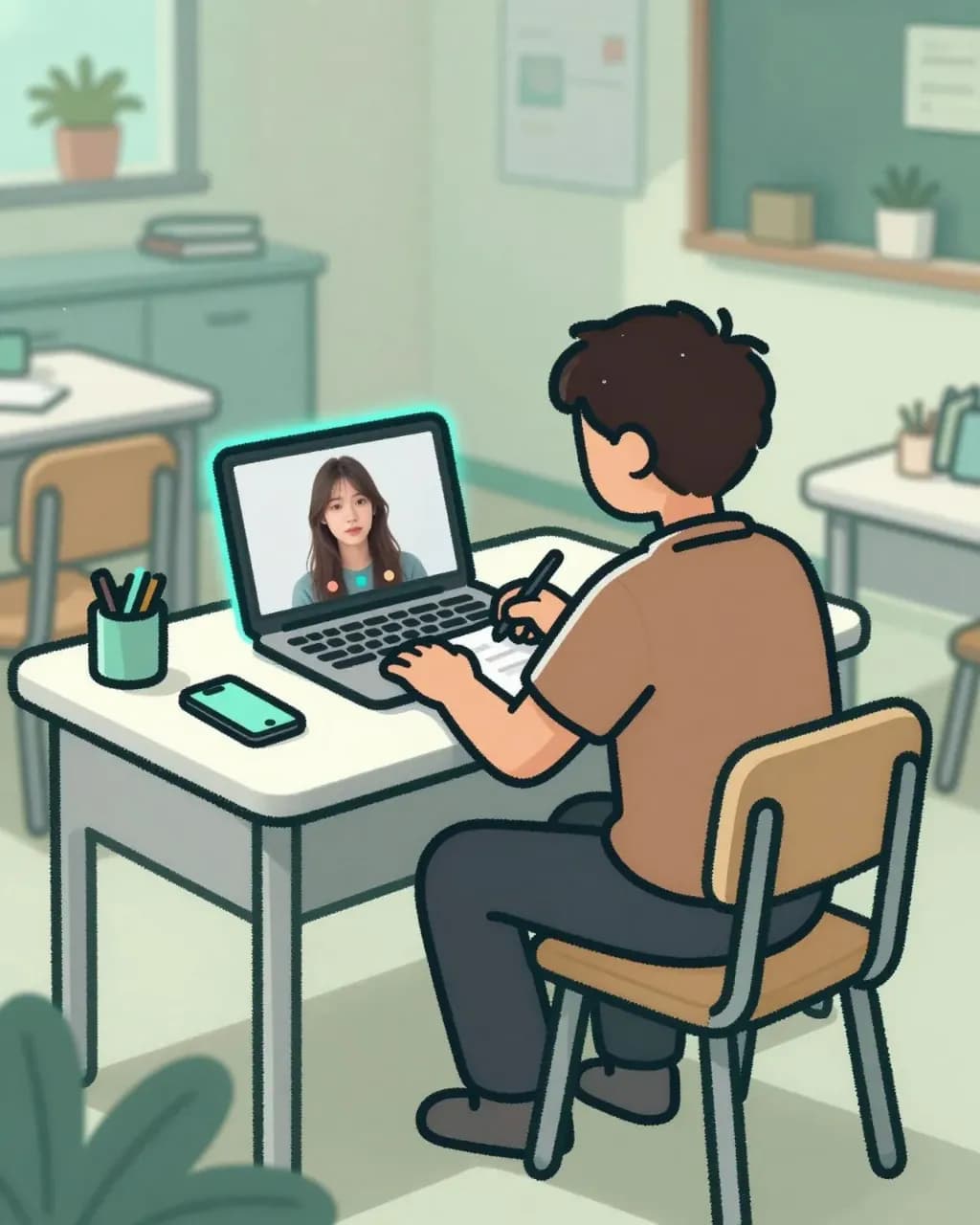
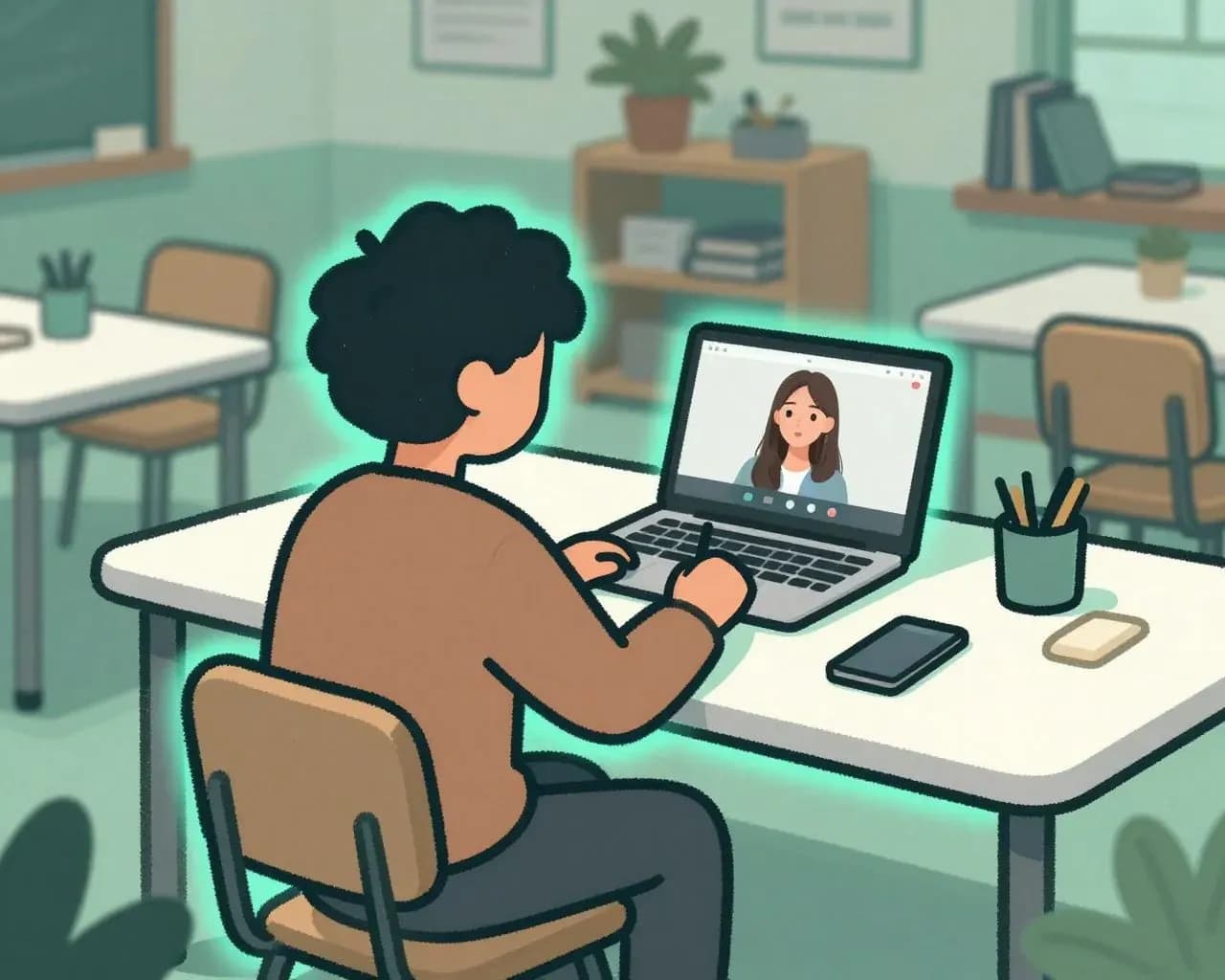
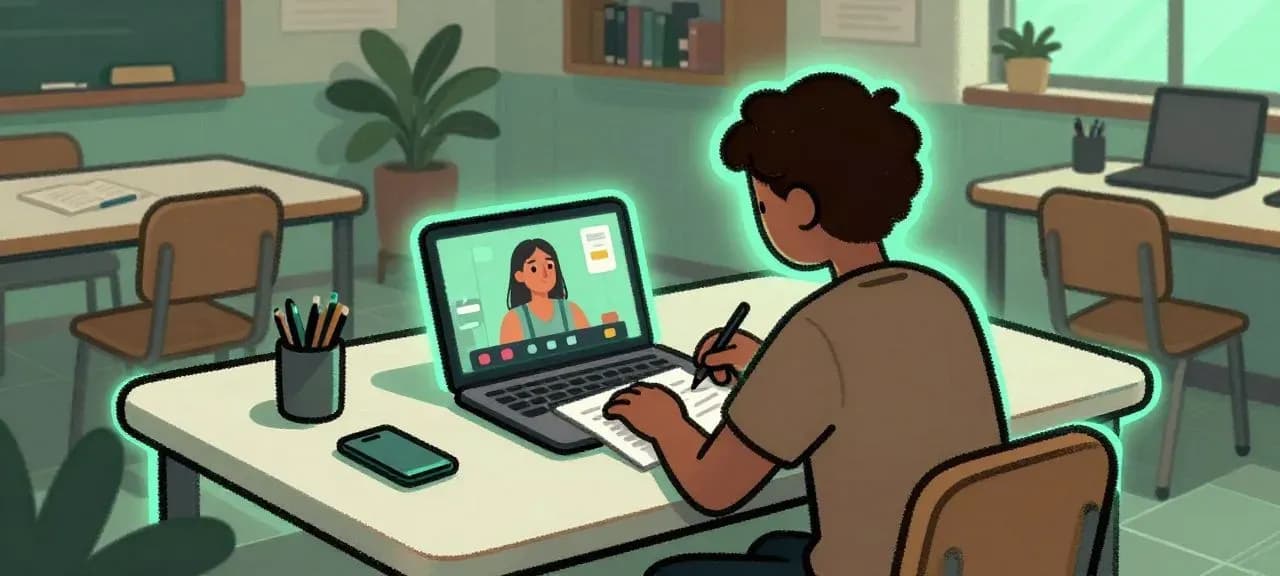

Describe the image. Thaleia generates it.
A prompt, a style and an atmosphere: your image is created, ready to use in the module, in your chosen style. No endless image-library searches for the right reference.
warmEvery idea comes alive when the voice finds the right tone, rhythm and intention to make people want to listen. short pauseIt guides learners throughout their journey and highlights key messages without breaking their attention. reassuringThe content stays clear, natural and pleasant right through to the final screen.
A voice that brings learners into the experience.
Text, a choice of voice and a particular tone: generate narration directly in the module, in the language you need. No studio to book or audio files to import and correct. The voice is created within the learning journey.
What once needed filming becomes a prompt.
An image, a motion prompt, a voice and a chosen style: create video directly in Thaleia. No studio to book or files to import elsewhere. The video is created within the module.
Where you once needed a designer, video editor, sound engineer and branding agency, there is Thaleia.
Brand styles, images, videos, voice-over, 3D and 360°: generate, edit and update in one place. One source module, as many brands and media assets as needed. Consistency continues beyond the first screen.
And it lasts over time. No waiting for a supplier or three rounds of changes for a colour adjustment. A consistent, professional result from the first screen to the last, whoever created it.