
3D · 360° · Hotspots · @ button · Screen types · AI Voice · SVG/Lottie/PDF/web
Interactivity is fundamental to Thaleia.
Learners click, explore, choose, make mistakes and try again. That is learning. More than scrolling to the Next button.
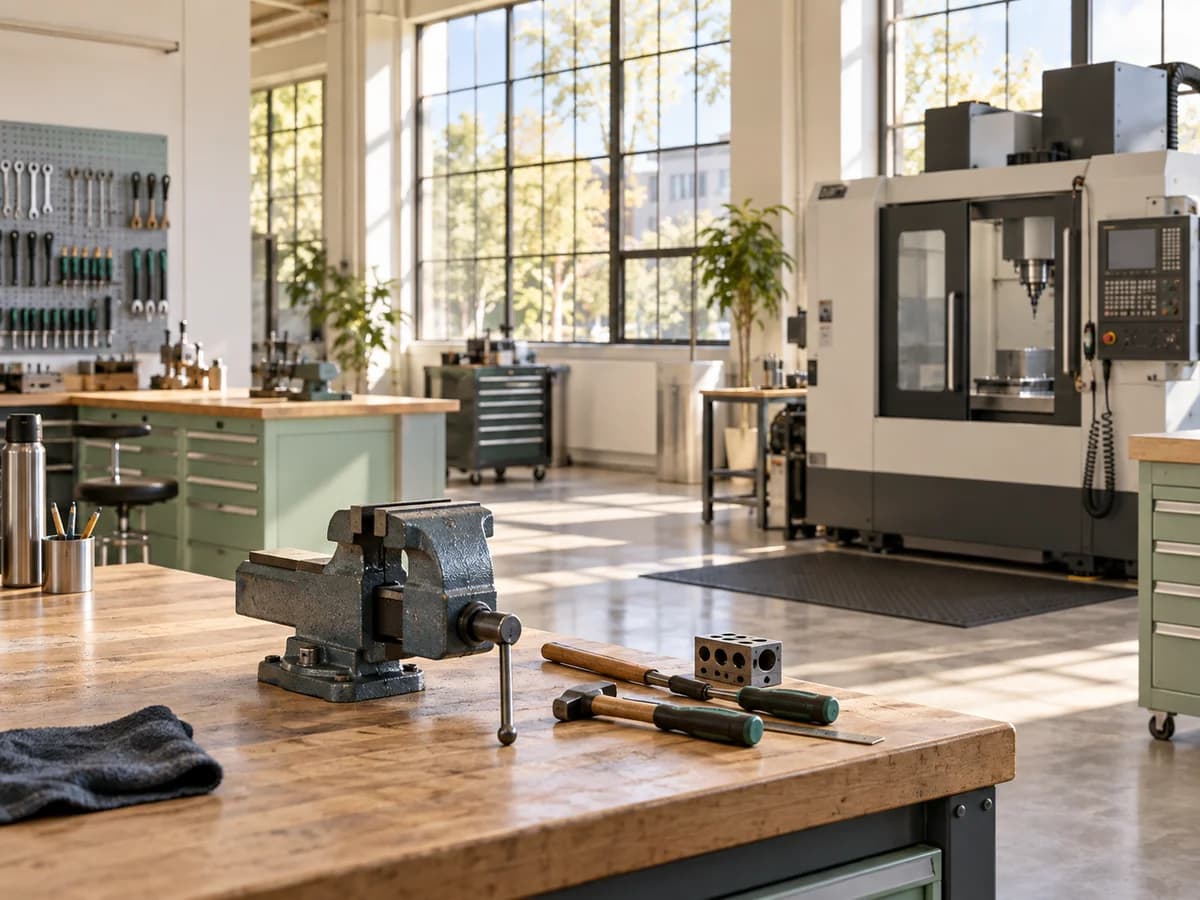 Hotspots
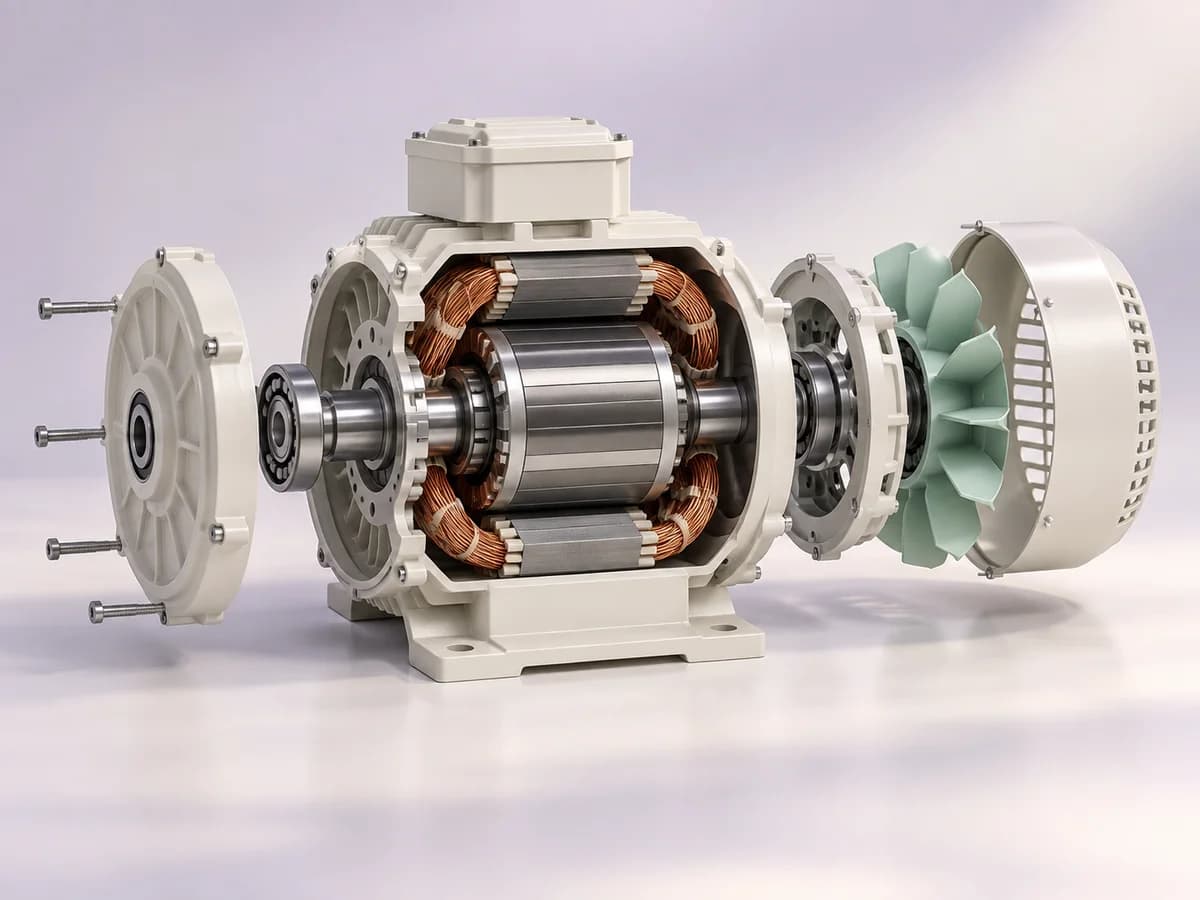 3D exploration
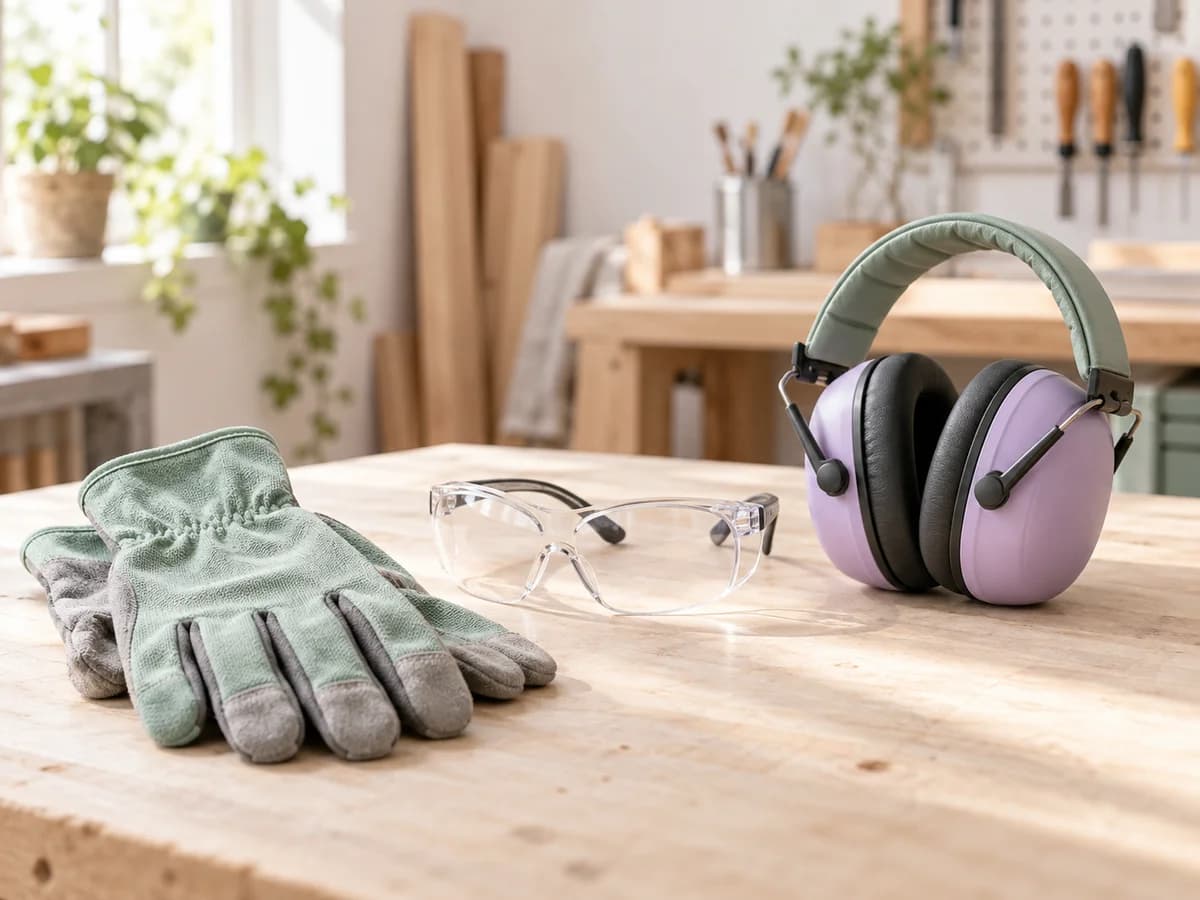
 Your choice
The real challenge
Your modules are linear. And you did not really choose that.
You know what is needed: opportunities to discover, explore and practise. But interaction costs too much in time, skills, suppliers and revisions. So you create screens that scroll past instead of practical scenarios. The tool’s limitations decide, rather than your learning design.
Demonstration
How Thaleia makes interaction accessible
Making a module interactive should not take longer than creating it. With Thaleia, interaction is part of the creation process. It becomes a learning design decision rather than a separate project.
Hotspot 3D
- On click
- On hover
- Always visible
The detail that makes the difference between seeing and understanding.
Place interactive hotspots on an image, diagram or 3D model to explain things in context. Learners explore what matters, in the right place at the right time.
warmEvery idea comes alive when the voice finds the right tone, rhythm and intention to make people want to listen. short pauseIt guides learners throughout their journey and highlights key messages without breaking their attention. reassuringThe content stays clear, natural and pleasant right through to the final screen.
Sound that brings learners into the experience.
AI Voice narration, imported audio, soundscapes and sound effects: every sound has its place directly in the module. No studio to book if you do not need one, and no restriction if you already have your files. Sound is part of the learning journey from the start.
Import your model
Choose a model from the built-in libraries or import
an external file.
Discover an object through your own experience.
What once needed a specialist is now built in. 3D libraries, your own model imports or direct 3D generation in Thaleia. Learners explore an object at their own pace. 3D integrates directly into the learning journey.
Put learners in the real setting, beyond its description.
A workshop, a workstation or a realistic scene: create a 360° image or choose one from the library, then add hotspots, text and audio exactly where learners need to look. Learners experience the setting: immersed, rather than simply informed.
One @ lets learners follow their own path.
A simple @, added like a link to text, a title or a hotspot. You decide where a click leads. It can open a screen, trigger another hotspot or play audio. It can also point to a hidden screen reserved for that path. Learners who already know can move ahead. Those who are unsure can explore further. No code or conditional logic to write.
A monotonous module is a module people leave.
Quizzes, drag-and-drop, interactive video, carousels, matching... Over 20 customisable, combinable screen types, enhanced with hotspots, video, 3D or 360° to vary the journey. The same logic applies throughout, with every option close at hand to keep learners engaged from start to finish.
Bring your resources into the module without conversion.
3D, 360°, PDFs, videos, animated SVGs, Lottie and embedded web pages: import them directly without conversion or reformatting. They fit straight into your screens. And if you are starting from scratch, Thaleia’s libraries are there.
With Thaleia, build experiences that truly engage.
Hotspots, voice, 3D, 360°, branching and varied screens: add each element within the same creation flow, with consistent logic from start to finish.
Want learners to explore, make mistakes and remember the lesson? That is exactly what Thaleia helps you build. One coherent tool. No developer, no supplier and no learning design compromises.